
The tool
Your success drives our success, which is why we’re committed to equipping you with industry‑leading tools that help you get the job done right the first time. Whether you are a busy workshop, a fleet owner, or a service contractor, you can rely on the Kess3 platform – a versatile solution trusted by everyone from emerging engine enthusiasts to highly specialised mechatronic technicians. Its streamlined interface provides fast, reliable access to virtually any engine control unit or automatic transmission on the market.
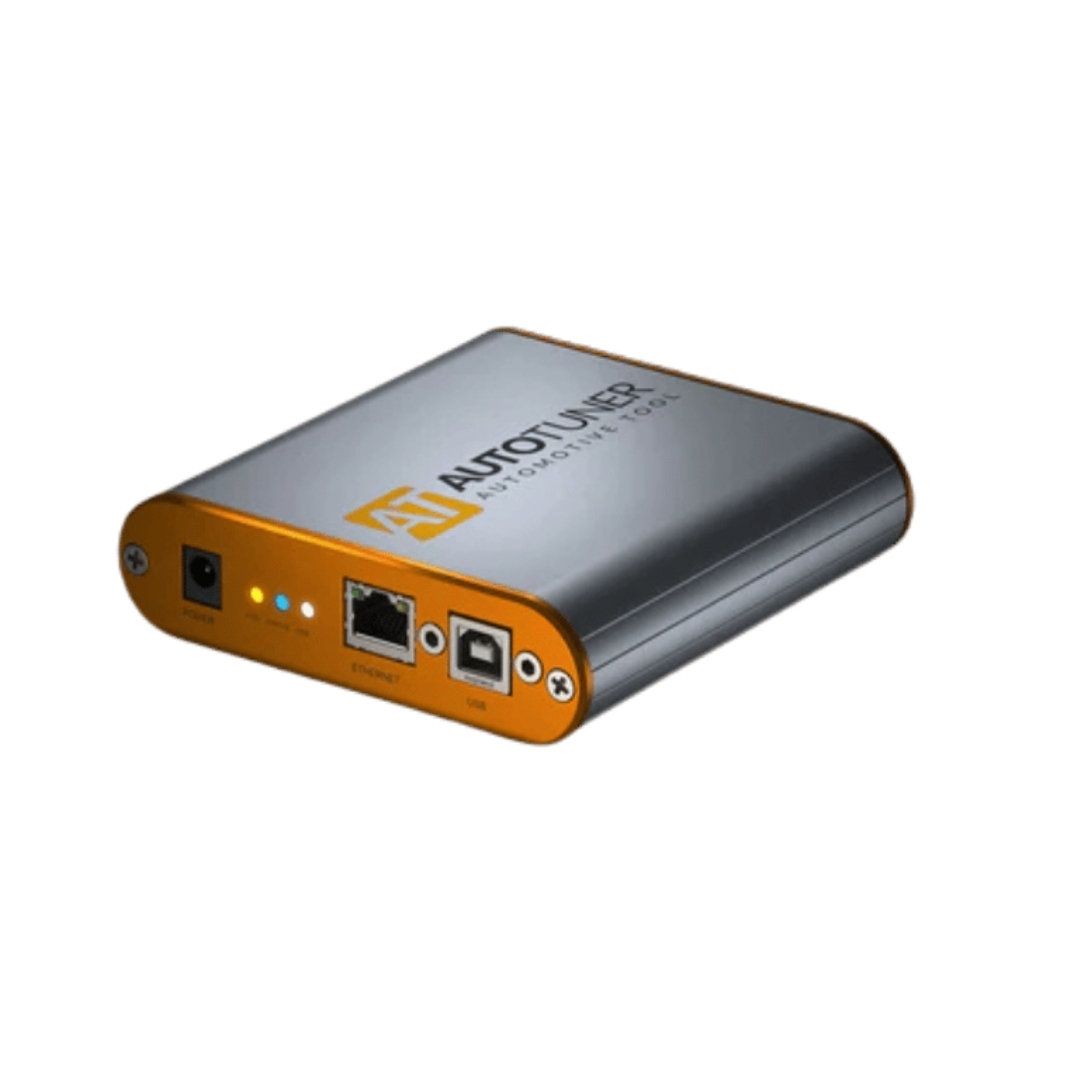
AutoTuner Tool
AutoTuner in a nutshell? No subscription. Free updates. All accessories included in your case for an easy and intuitive use.
$4.90
( Tax excluded. Shipping calculated at checkout )
Dimensions
111mm x 111mm x 31mm
Weight
240g
Package content( AutoTuner Tool )
- USB key with software link
- Universal cable + box
- Universal cable for EDC16+ME(D)9
- OBD cable
- USB cable
- Power supply
- Probe positioning kit
- BGA MCU hook
- Banana cables
- Shockproof suitcase
- Goodies
Software languages
English, French, German, Spanish, Italian, Chinese, Japanese, Korean, Dutch, Portuguese, Armenian, Russian, Arabic.
Minimum system requirements
- Desktop/laptop PC Windows with x86 processor (Intel or AMD) > 2.5GHz
- 4 GB RAM
- Minimum free space on disk: 2 GB
- OS: Microsoft Windows 11 (32 or 64 bits)
- One free 2.0 USB port
- Quick internet access with 5 Mbps or faster
- 1920×1080 pixels screen resolution
Virtual machines are not supported by AutoTuner
Discover the features

ECU/TCU read and write
Reading and writing of engine and gearbox controllers.

Automatic checksum correction
Automatic checksum correction on engine map data.

Back to stock
Resetting a vehicle to its original condition.
Products
AutoTuner Tool
$4.90
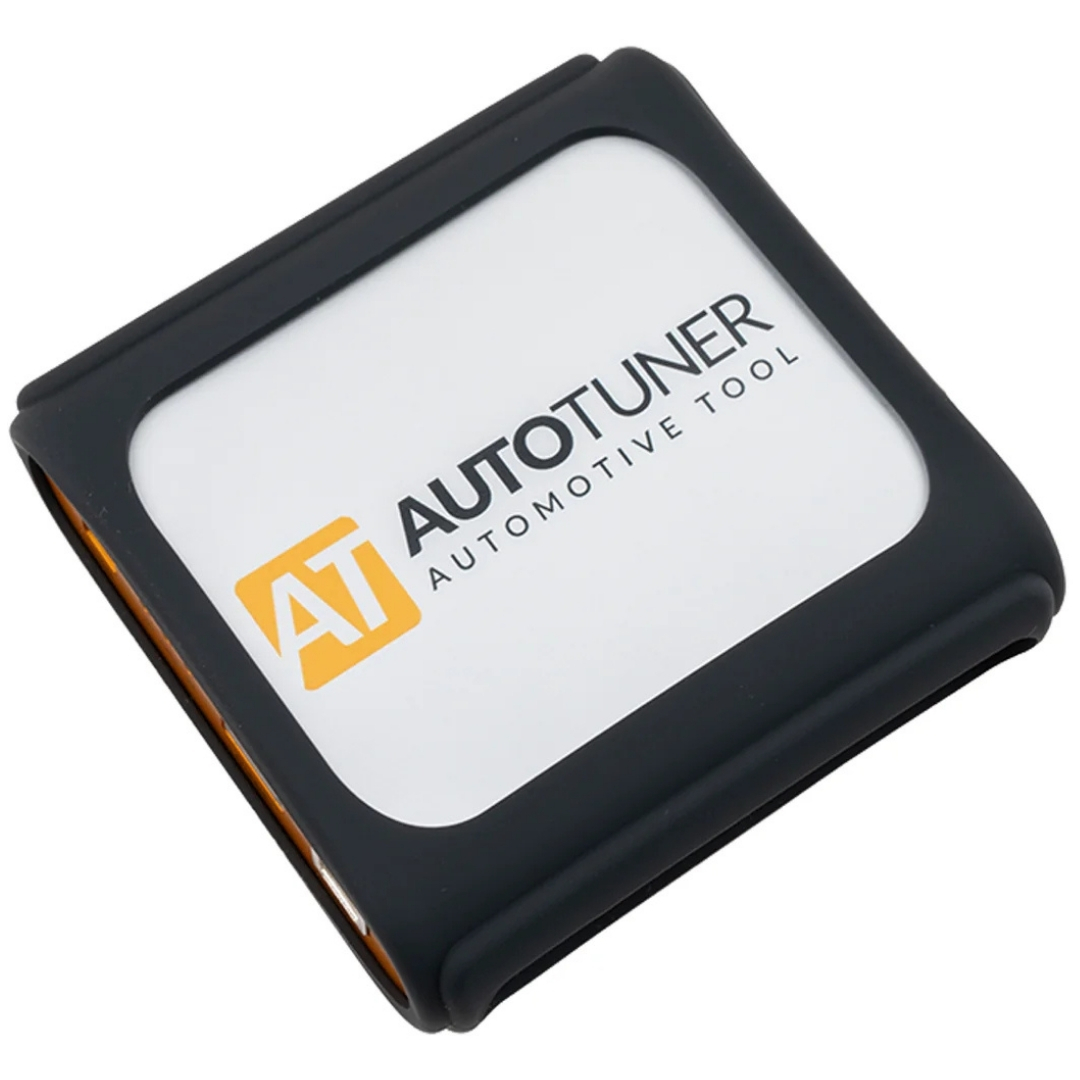
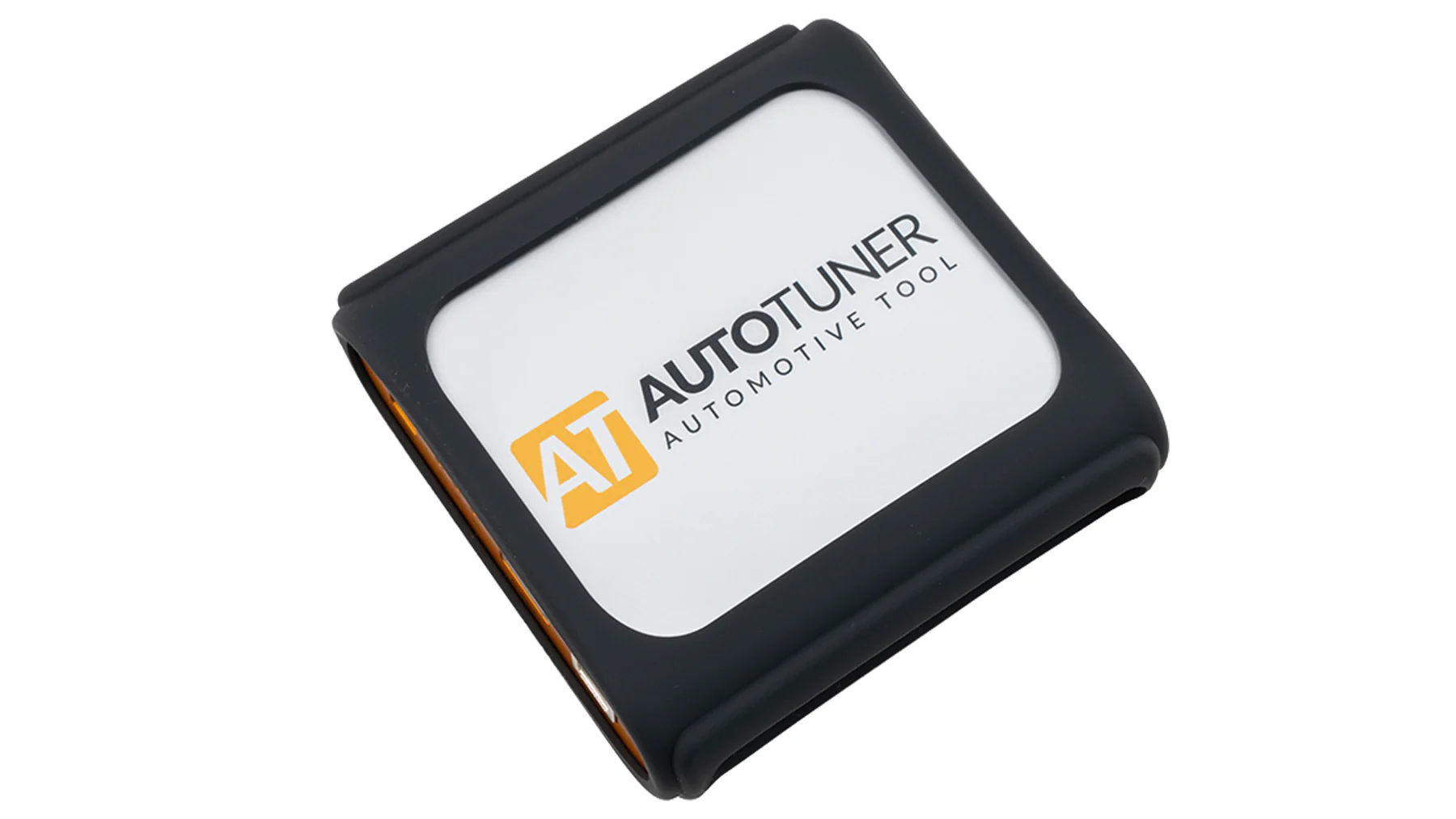
Silicone case
$4,900.00
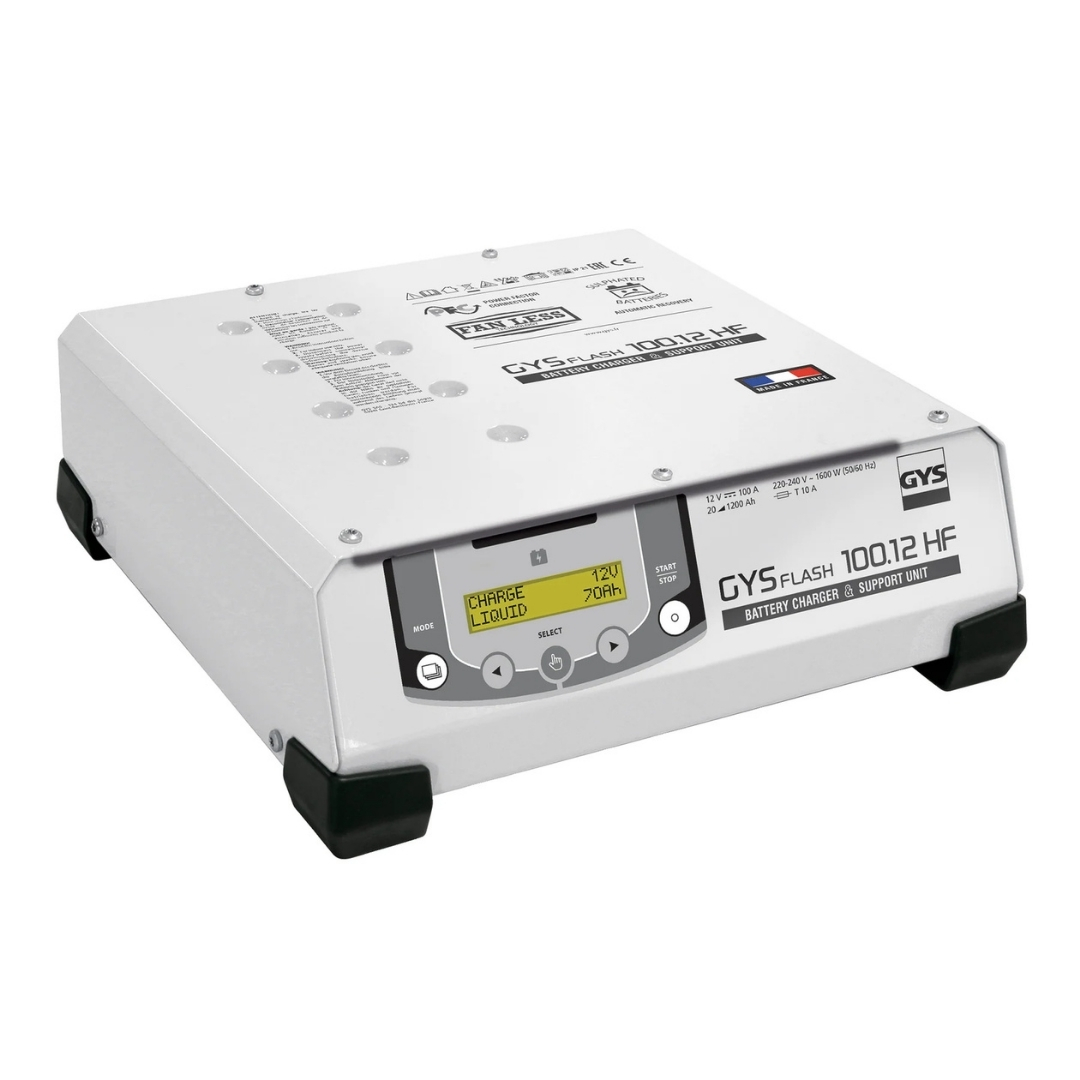
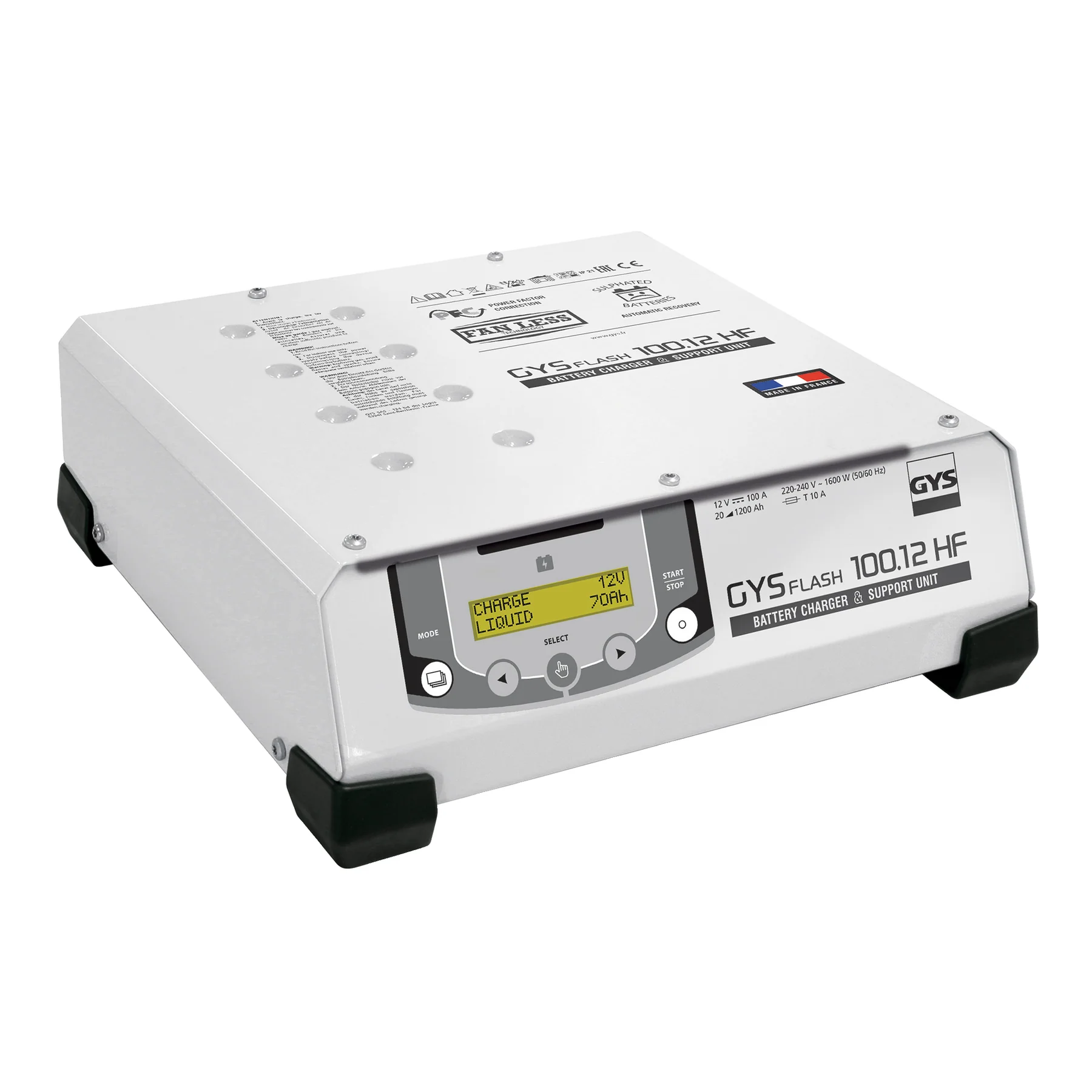
Gysflash 100-12 HF (5M cables)
$78,900.00
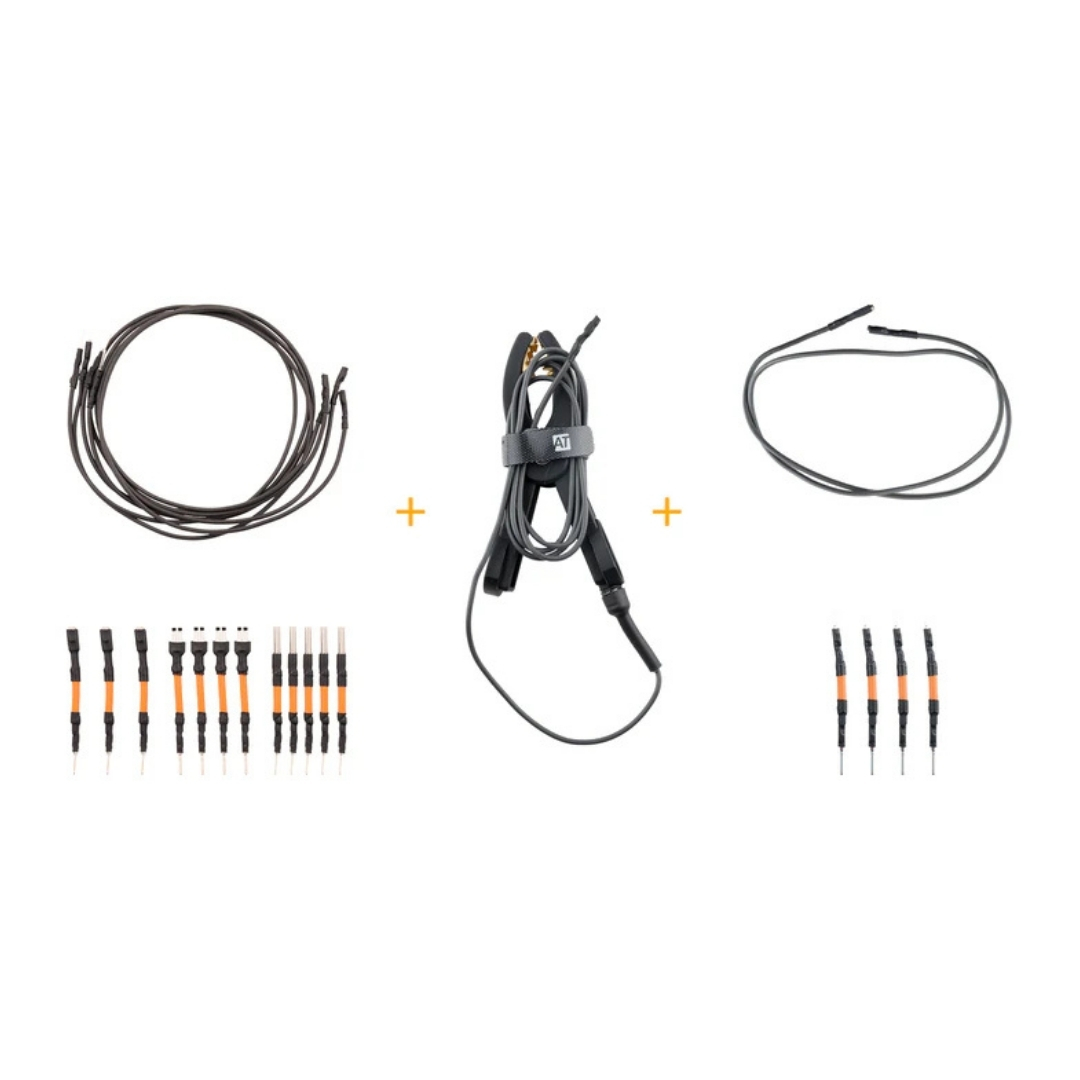
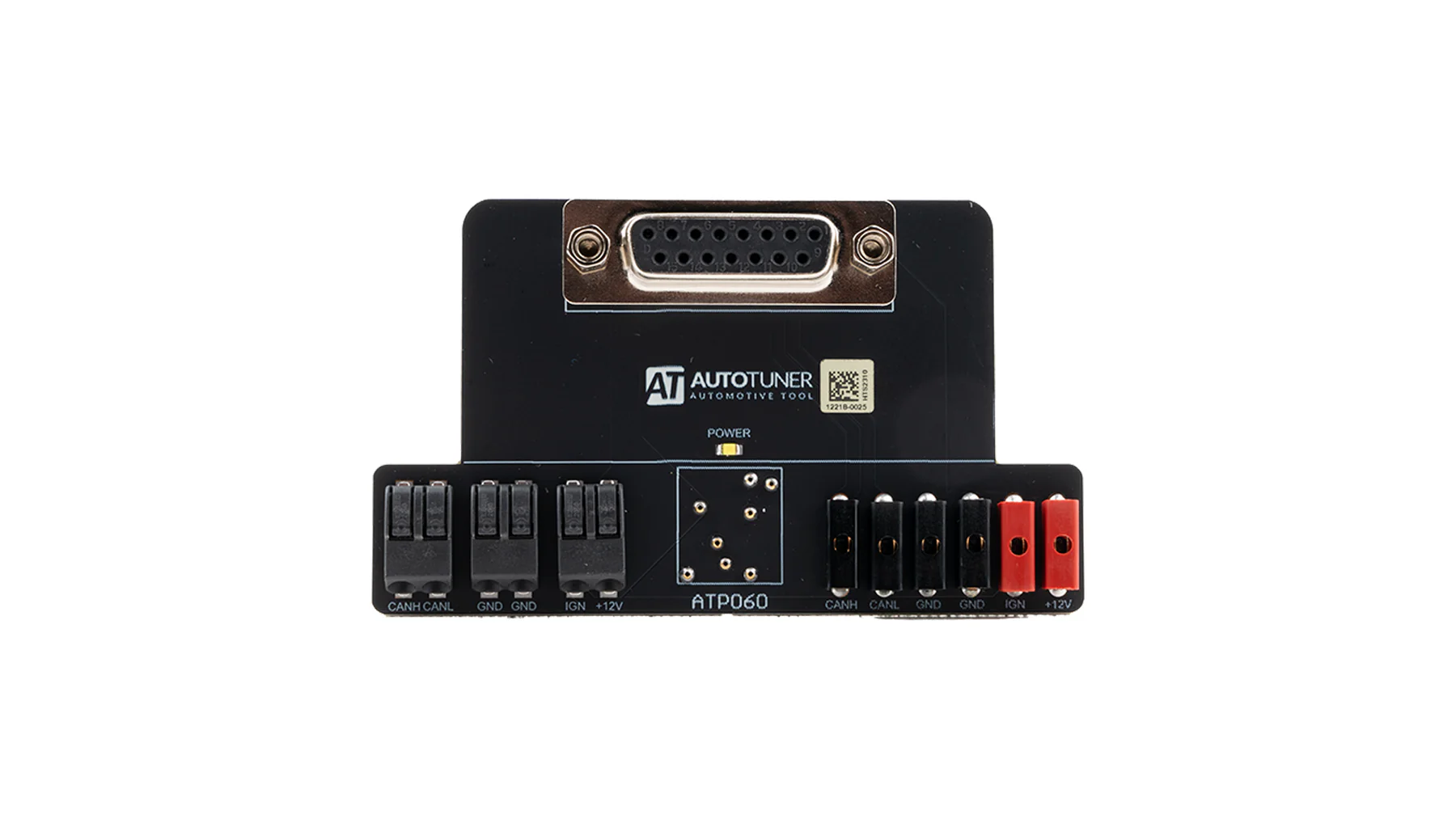
Universal terminals and cables kit
$6,900.00
Flash methods
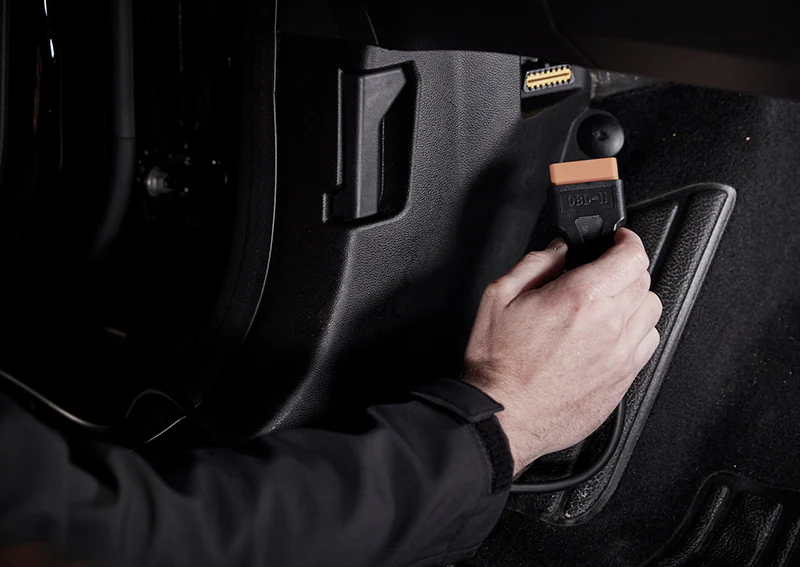

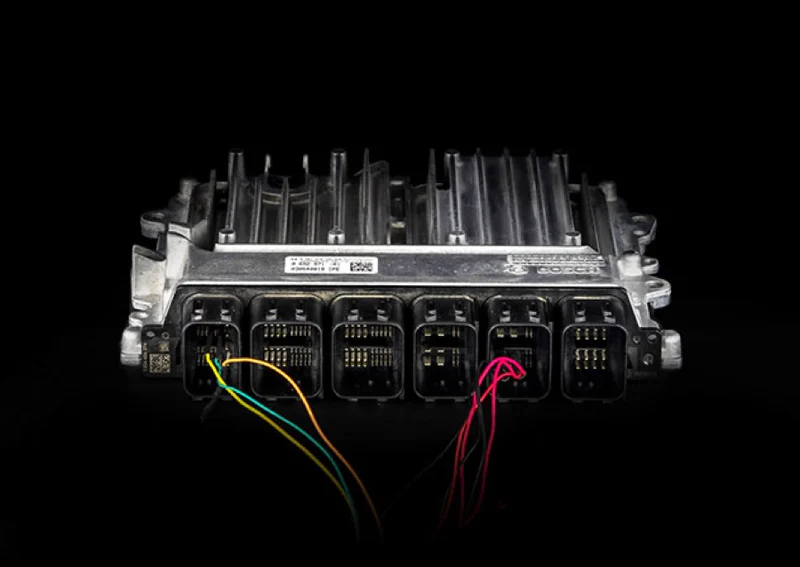

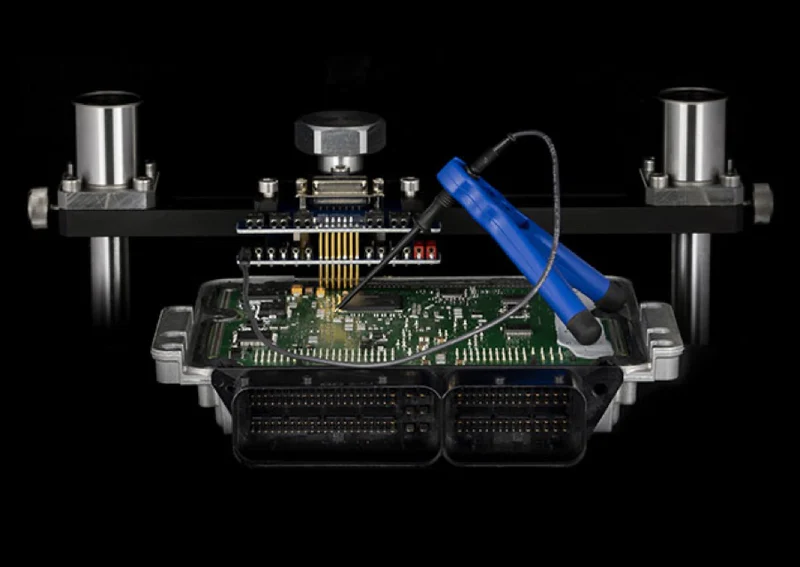
Diagnostic methods

Datalogs
DTC
23409
Did you know? AutoTuner is already compatible with hundreds of units and thousands of vehicles.

Car

Moto

Truck

Tractor

Jetski

Speed boat

Quad

Cables
In addition to your OBD cable, the box contains 2 universal cables, one with micro pins and one for EDC16+ME(D)9 ECUs.

Accessories
The AutoTuner kit also includes banana cables, probe positioner kit and USB key that contains a link to download the AutoTuner software.

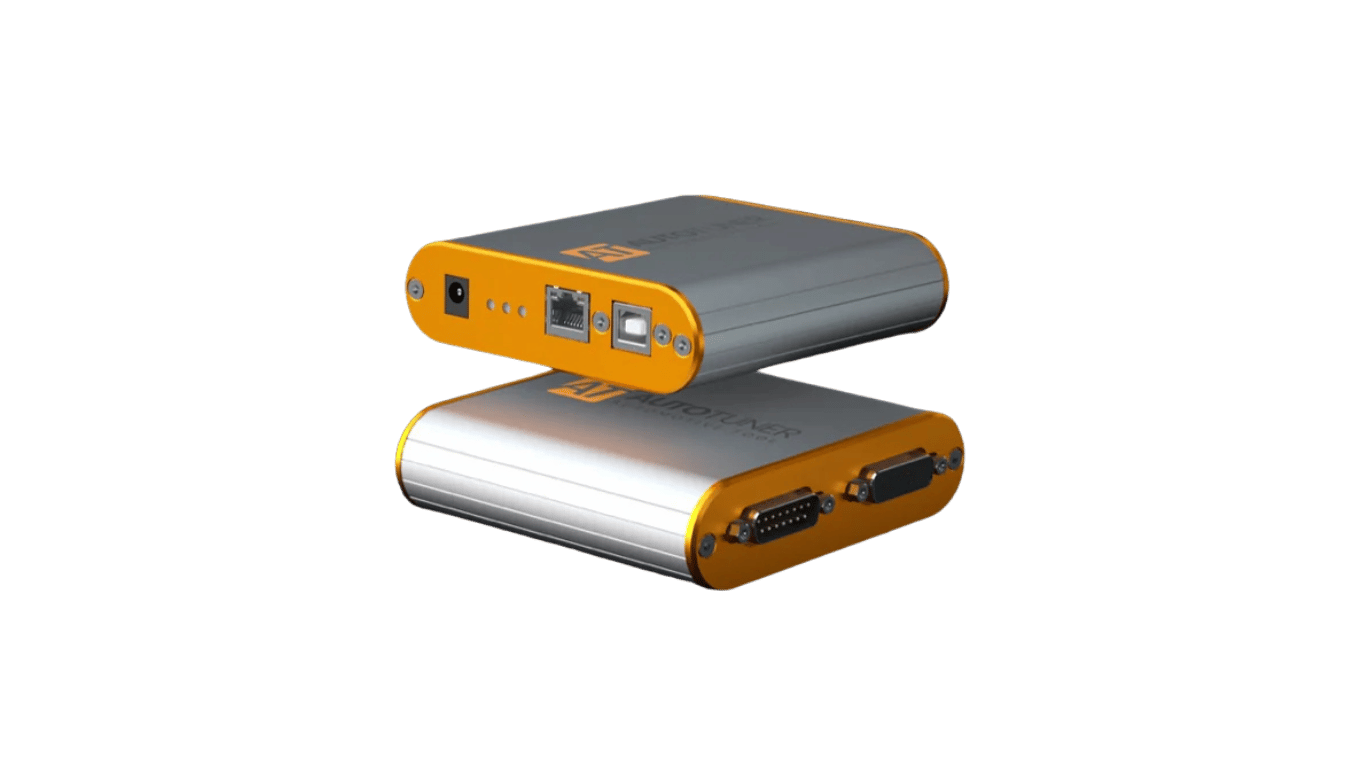
AutoTuner Tool
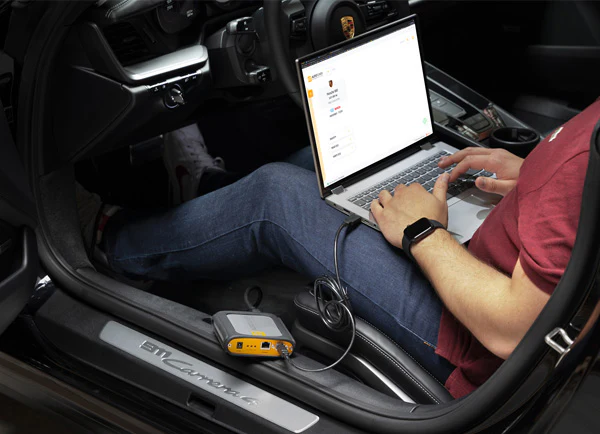
Your ready-to-use AutoTuner tool. 12V power adapter, USB connection, OBD, Bench and Boot accessories.
Technical details
What’s in the box
AutoTuner in a nutshell? No subscription. Free updates. All accessories included in your case for an easy and intuitive use.
- A reactive and dedicated support team available in French, English, German, Italian, Spanish and Dutch.
- OBD, Bench & Boot in one tool.
Dimensions
111mm x 111mm x 31mm
Weight
240g
Package content
AutoTuner Tool
- USB key with software link
- Universal cable + box
- Universal cable for EDC16+ME(D)9
- OBD cable
- USB cable
- Power supply
- Probe positioning kit
- BGA MCU hook
- Banana cables
- Shockproof suitcase
- Goodies
Software languages
English, French, German, Spanish, Italian, Chinese, Japanese, Korean, Dutch, Portuguese, Armenian, Russian, Arabic.
Minimum system requirements
- Desktop/laptop PC Windows with x86 processor (Intel or AMD) > 2.5GHz
- 4 GB RAM
- Minimum free space on disk: 2 GB
- OS: Microsoft Windows 11 (32 or 64 bits)
- One free 2.0 USB port
- Quick internet access with 5 Mbps or faster
- 1920×1080 pixels screen resolution
Virtual machines are not supported by AutoTuner
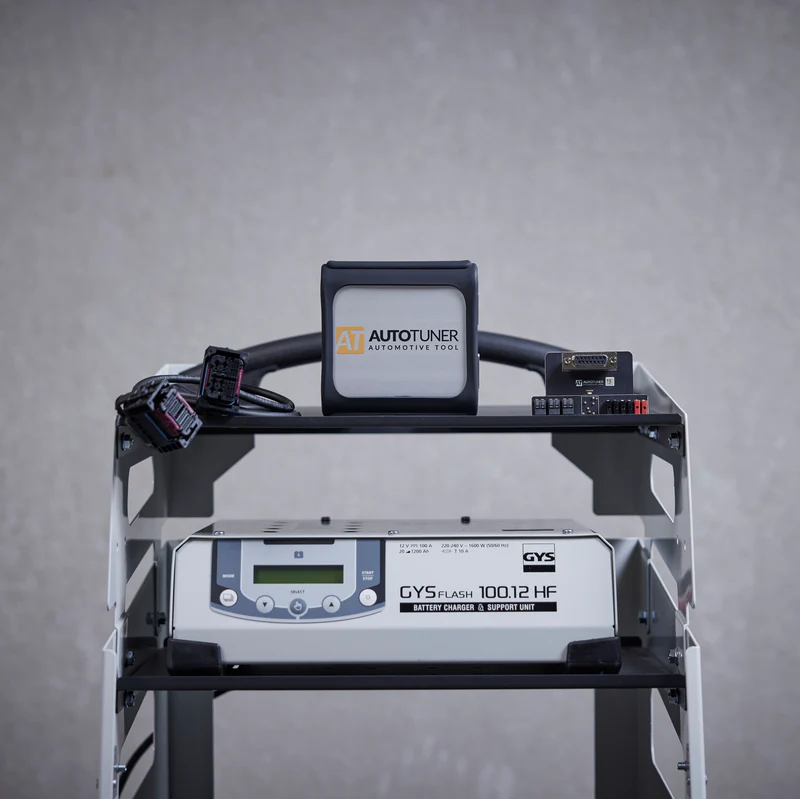
Must-have accessories
The additional accessories you need to get the very most out of your AutoTuner tool.

Five-year warranty
Of course, our solution comes with a guarantee. For 5 years, no less!

Support
From installation to day-to-day use, our team is always on hand to help you maximise the benefits of AutoTuner, guaranteeing you the best possible experience.

Shipping within 48 hours
Investing in a unique solution is one thing. Being able to use it quickly is even better. Because we share your excitement, we ship your AutoTuner within 48 hours.
Latest generation components
Fast and connected
Our tool combines the latest technologies for efficient communication with the ECU, ultra-fast reading of memory content (internal or external flash and EEPROM) and automatic online backup of the TriCore password. That’s right, nothing but the best.
12V power supply
It is important that you only use the power supply provided with your AutoTuner tool. And because we really want the best for you, the adapters for Europe, Australia, USA and UK are already included.
Advanced USB connection
We designed AutoTuner to last, namely thanks to a reinforced USB port
OBD connection
An armoured cable that meets manufacturer standard is included in the case.
Boot/bench Connection
The box contains the two necessary cables (universal and universal EDC16/ME(D)9) for connection to all ECUs.
Easy to use
Software
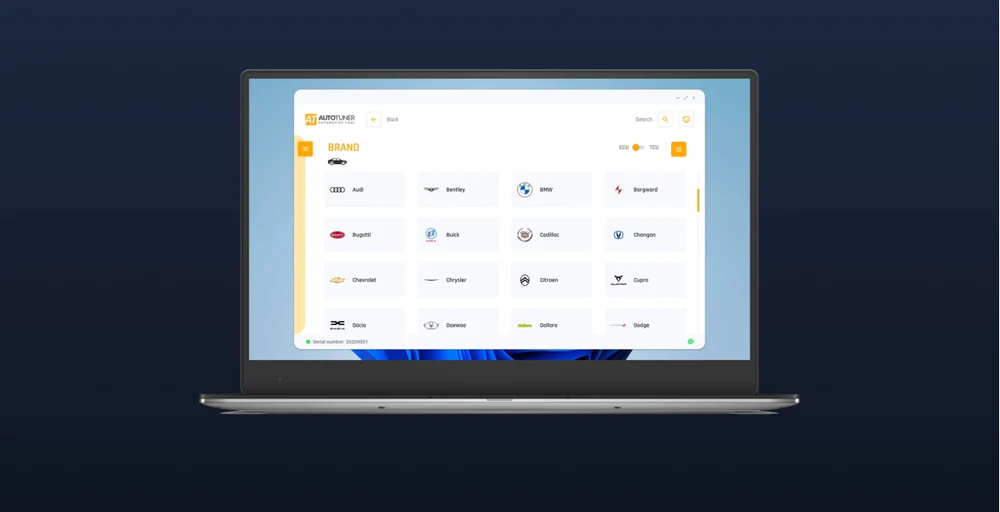
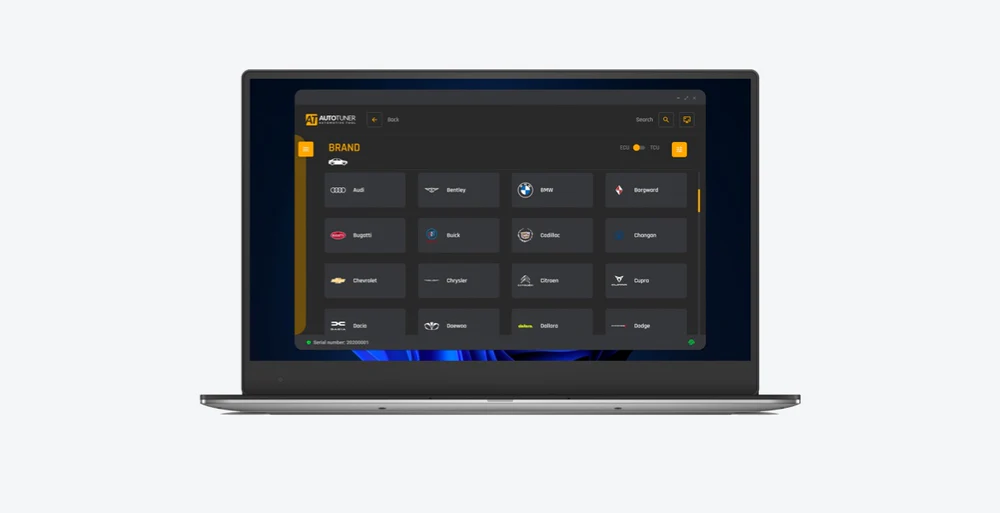
Our AutoTuner Tool is incredibly user-friendly, allowing you to master it in seconds. Can’t find what you need? Just ask—our team is here to help.
ECU/TCU
Vehicle selection
There are 3 options to select an ECU/TCU:
- Use the easiest step-by-step wizard – compatible with keyboard navigation
- Use the quick search
- Use the 5 latest selected vehicles cards – very quick
Step by step
Instructions
Don’t worry, AutoTuner assists you throughout the entire process.
First, it helps you find the ECU or OBD diagnostic socket in the vehicle. Then, it provides information on the accessories required and guides you through each stage of the connection using high-definition images.
Good to know!
- The ECU bench connectors can be dynamically rotated.
- You can also contribute to the ECU/OBD location photo database by sending yours via WhatsApp.
Real or Virtual
Read
Depending on the vehicle and the method you use, you will be able to perform either a real or virtual read.
Master/Slave
File edition
Master: You can use any editing software compatible with the binary format to modify the data yourself. You can also send them to any tuning file provider for adjustment.
Slave: Simply send your file to your master. Some providers use email for this process, while others offer a tuning file service platform where you can upload the file you wish to be modified and complete a form. Please refer to your master for more information.
Real-time
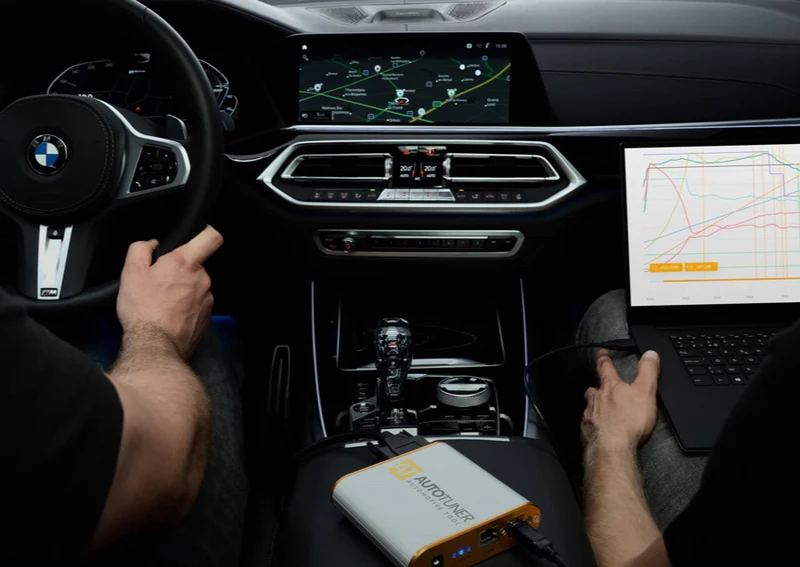
Datalogs
Have you finished? Switch to data logging to check how the vehicle reacts to your modified settings.
Need help?
Support
Having any problem? You can submit a support request directly from the software by clicking on the dedicated support button. This will allow you to describe the problem you’re facing and get help from the support team.
Slave or Master
What’s the best option for you?
Discover the difference between Master and Slave versions
| Version | Slave | Master |
|---|---|---|
| Do you develop your own tuning files? | No | Yes |
| Do you plan to work with more than one tuning files provider ? | No | Yes |
| Description | With a Slave tool you read and write crypted files. These files can only be modified by a specific Master. This Master is a file provider designated when you buy the tool. Your Slave tool is linked to this Master. | With a Master tool you get unencrypted files that you can edit yourself or send to any tuning files provider. Any editing software that supports binary file can be used to modify a file read with AutoTuner. |
Frequently Asked Questions
Can I upgrade my Slave tool to Master?
Yes, you can upgrade your Slave tool to Master for an extra 2000€. The upgrade is available here. Note that the approval from your current Master is mandatory.
Can I transfer my Slave tool to another Master? (in other words, change Master)
Yes, you can transfer to a new Master for a extra 350€ fee. Please note that the approval from your current Master is mandatory.
How do I setup the software?
A link to download the software is available on the USB key within the AutoTuner box. You can also download it from our website. Minimum requirements are available above.
As a Master, how can I decrypt Slave files?
There are 3 options for decrypting Slave files:
- Use the AutoTuner software, under “Master operations”. You will access the slave files folder on your computer and be able to decrypt/encrypt within the software.
- Via your admin panel on the website.
- Use the AutoTuner master API, allowing you to encrypt/decrypt without having the tool connected to your computer. Get in touch with us for more information.

Any other question?
Our support service is available from Monday to Friday: from 9AM to 6PM.
No subscription fee. Free updates.
Our goal? To continuously provide new protocols, updates and features for you to enjoy immediately.